

Live streaming
A live stream scoreboard overlay for pool, darts and cornhole
Stream league night, a tournament or one match with the live score on the video. Go live from your phone, or add the overlay to OBS, Streamlabs or vMix, and send it to YouTube, Facebook or any RTMP service.
Pool, darts and cornhole stream overlays
A full scoreboard or a small score bug in the corner, for every sport. The score changes within a few seconds of each tap.
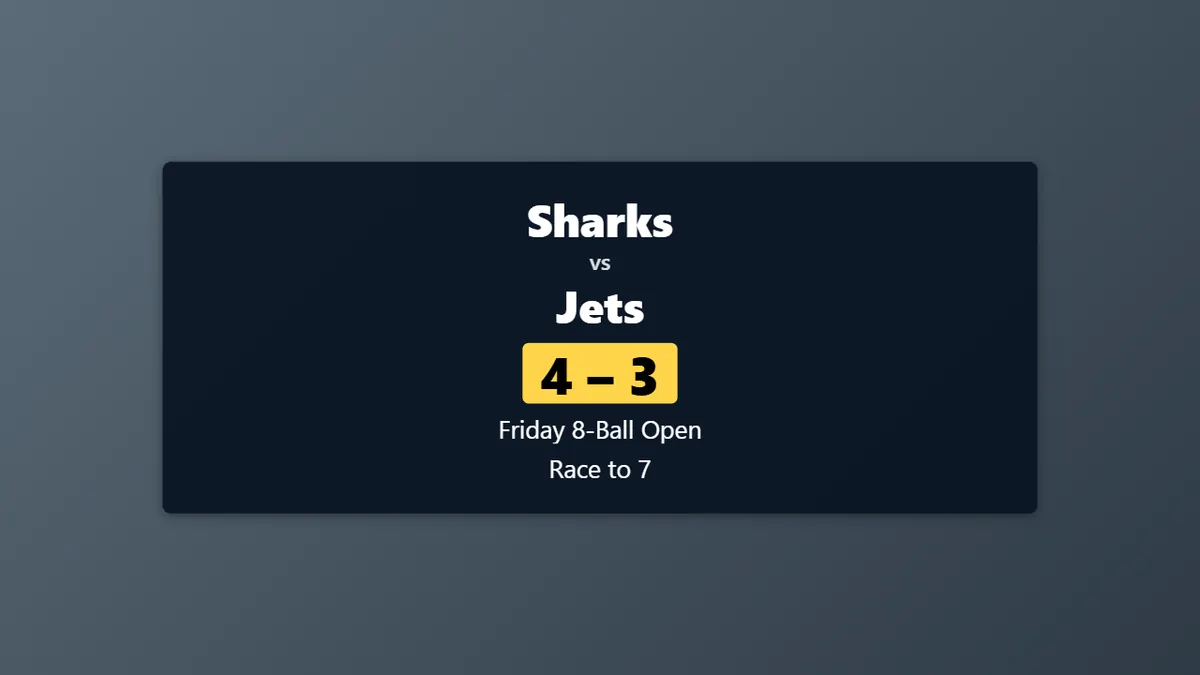
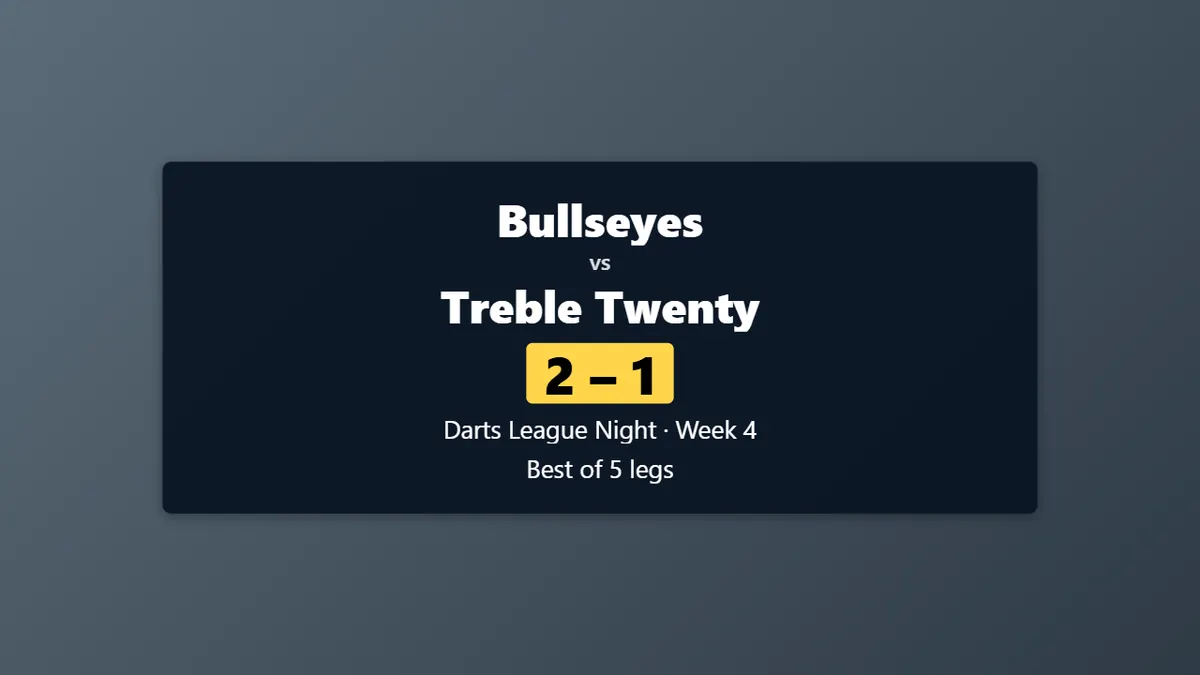
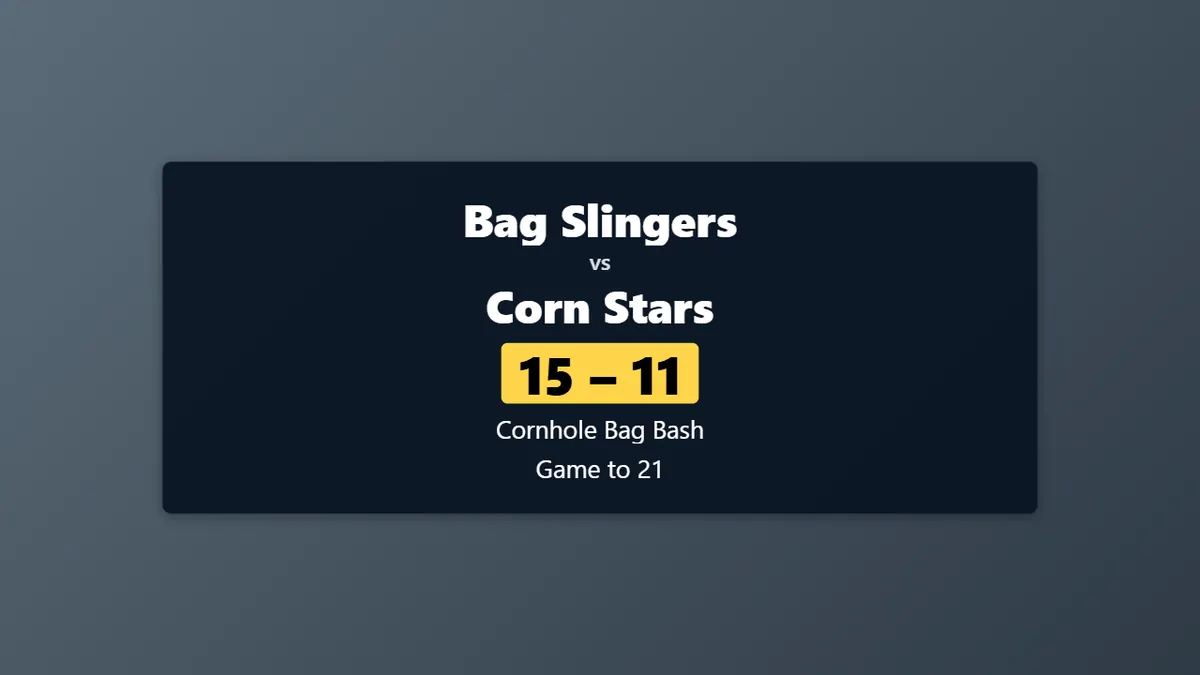
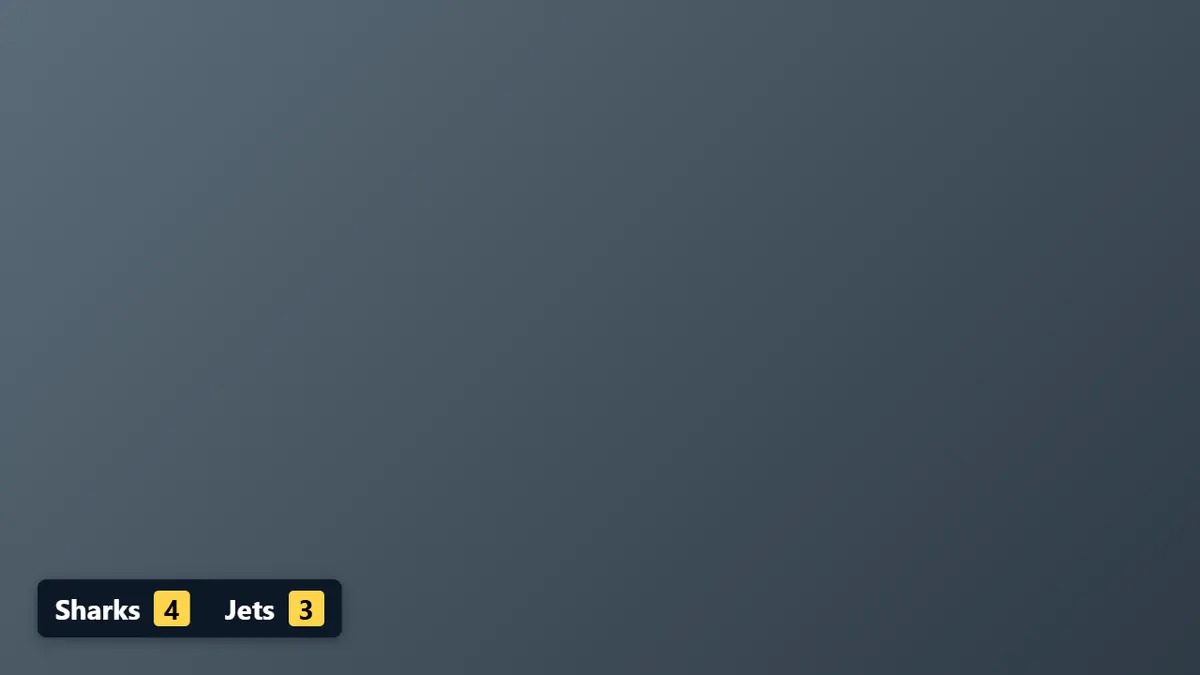
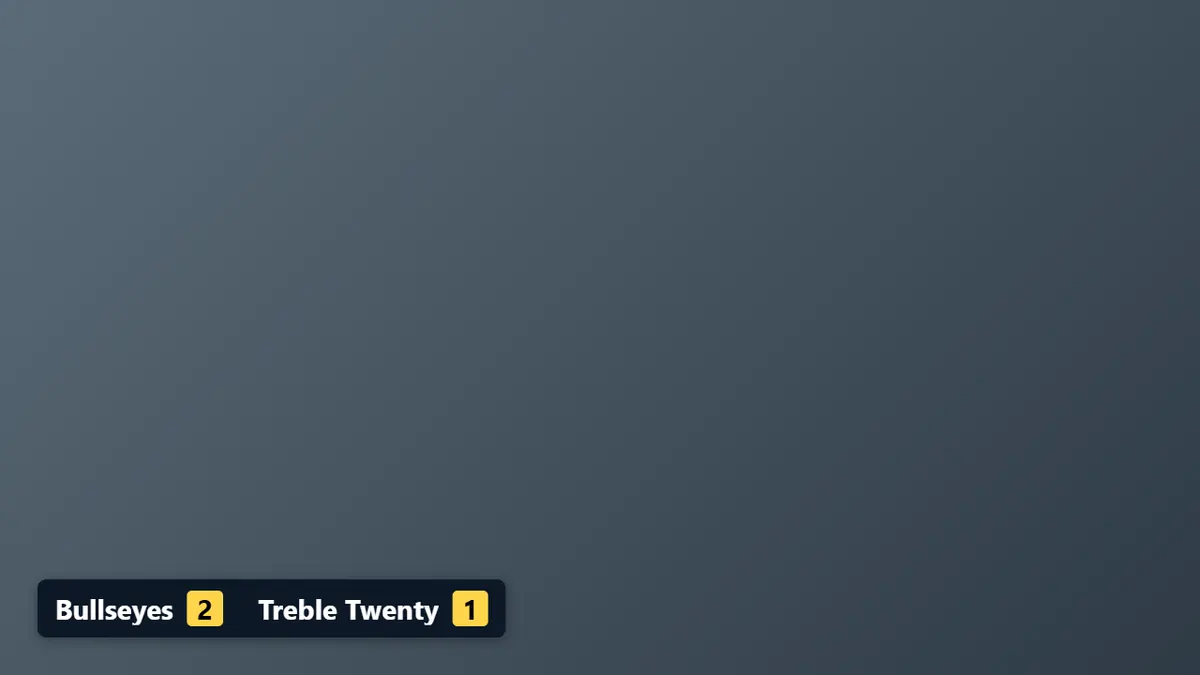
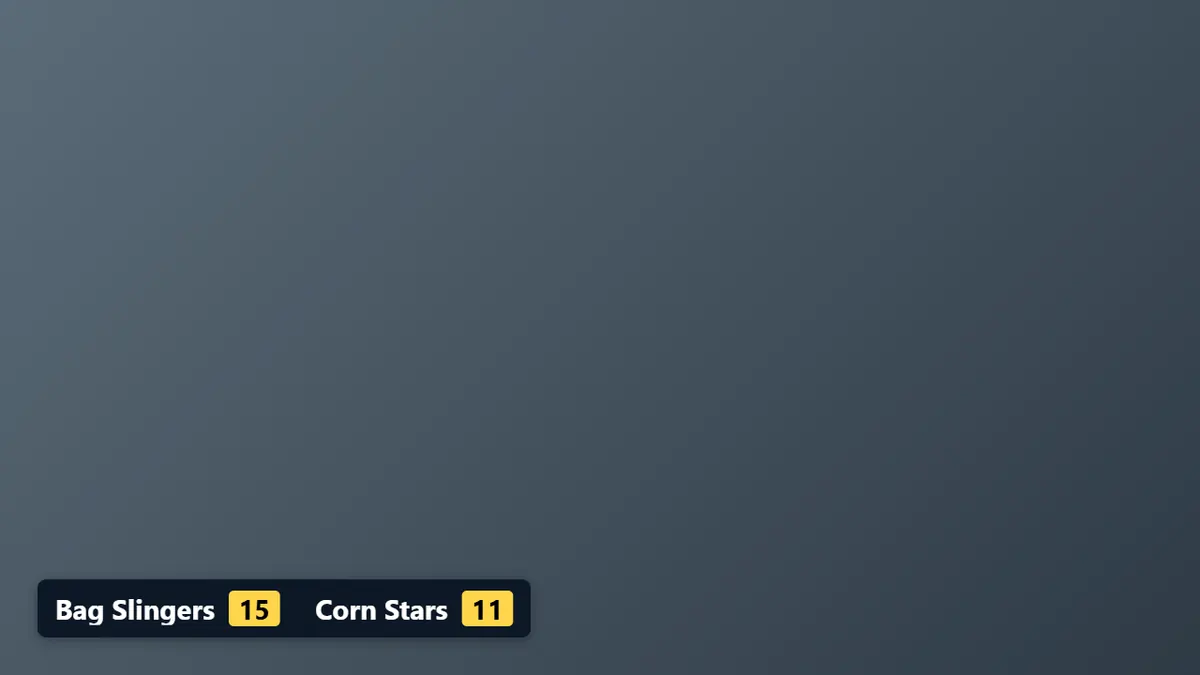
The overlays, with example names.
What the score overlay does
Go live from your phone
The LeagueOrbit app streams from the phone’s camera with the live score on the video. Streaming from a phone works in the Android app now; the iPhone app is to follow.
An OBS scoreboard overlay
In OBS, Streamlabs or vMix, add the overlay as a Browser Source at 1920 × 1080. On a computer, LeagueOrbit also sets up OBS for you: the stream settings, the recommended quality and a scene collection.
YouTube, Facebook, Twitch, Kick and more
Stream by stream key to YouTube, Facebook, Twitch, Kick, Restream, or any RTMP or RTMPS server. Facebook uses a stream key only, with no Facebook sign-in or comments.
Two platforms at once
With the Organizer plan, stream to two platforms at once, for example YouTube and Facebook.
Scenes for the whole night
Switch the overlay between Score, the full Scoreboard, Starting soon, Break, Winner, a Message you type, or Hide.
A scorer on another device
Share a control link so a scorer keeps score from their own phone, tablet or computer. They can change the names, the score and the scene, nothing else.
League and tournament tables
When you stream a league or tournament match, the organizer’s overlay for that table is used, with their look, and it follows the matches on that table.
Clips and recording
With Player Plus or Organizer, save clips of the last few seconds, save a copy of the stream on your phone, and auto-record if the internet drops.
Your own look
Free gets one overlay with the LeagueOrbit look. Player Plus and Organizer get as many overlays as they like, each with its own style, position, size and colours.
Stream league night to YouTube or Facebook
Open Go live, choose where the video comes from and where people watch, paste the stream key, choose the overlay and go live. The video goes straight to the platform you choose, never through LeagueOrbit.
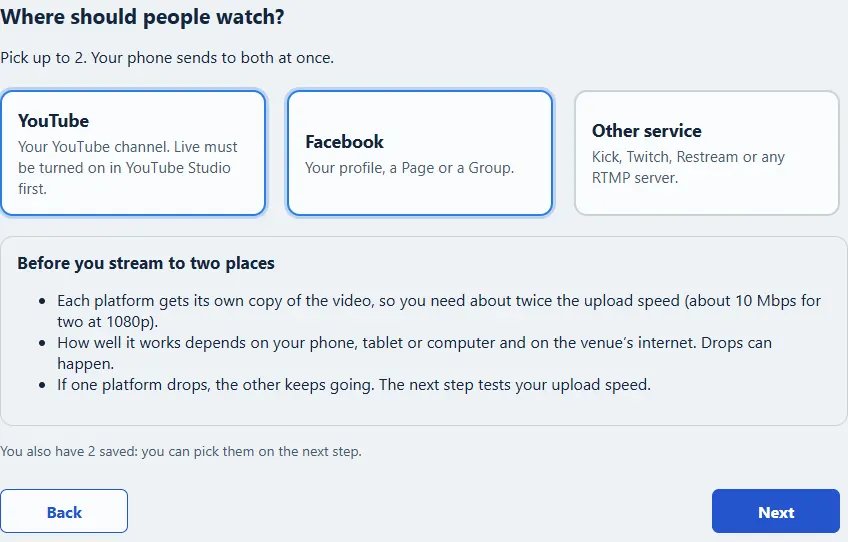
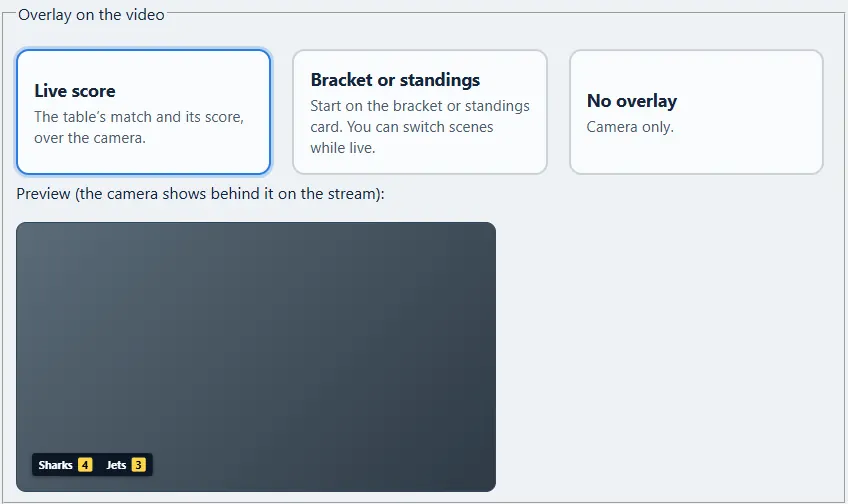
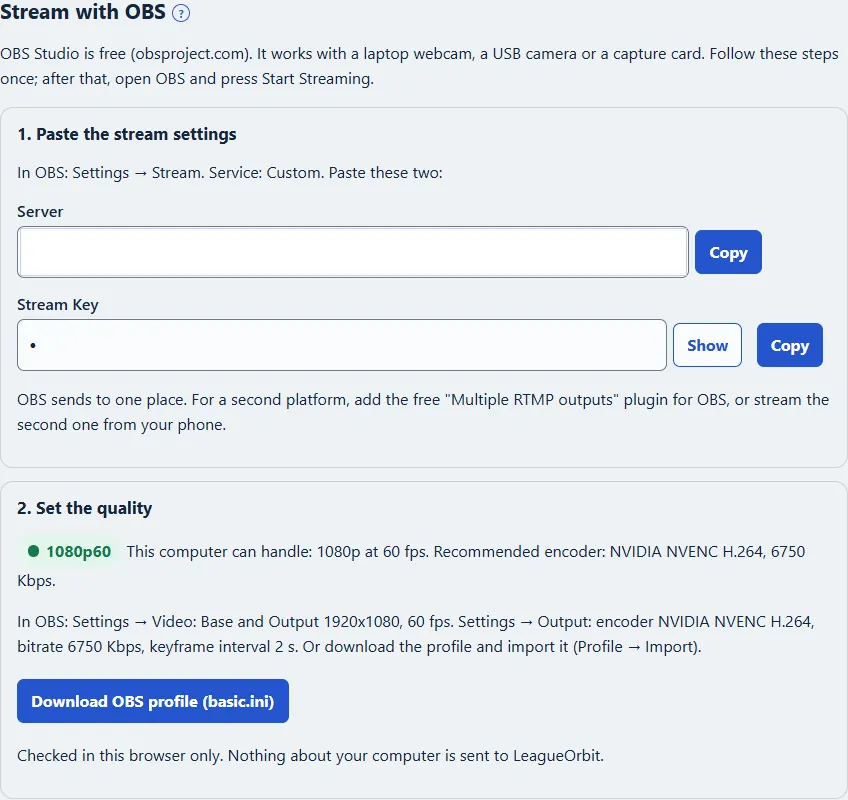
The setup screens. Free streams are 720p with a small LeagueOrbit mark; Player Plus and Organizer stream in 1080p. Guides: Go live from your phone, Score overlays for OBS and your phone, Stream your matches with overlays.
By sport: Pool streaming · Darts streaming · Cornhole streaming
Questions about stream overlays
How do I put a scoreboard overlay on my stream?
Two ways. Go live from the LeagueOrbit app and the live score is drawn on the video from your phone’s camera. Or, in OBS, Streamlabs or vMix, add a Browser Source, paste the overlay’s link and set it to 1920 × 1080. The score changes within a few seconds of each tap.
Does it work for pool, darts and cornhole?
Yes. There is a scoreboard overlay and a corner score bug for each sport, and you can make an overlay for any match: a league night, a tournament, a practice session or a friendly. No tournament or league is needed.
Can I stream league night to YouTube or Facebook?
Yes. Paste the stream key from YouTube Studio or Facebook Live Producer. Facebook always uses a stream key; there is no Facebook sign-in, and comments are not shown. Twitch, Kick, Restream and any other RTMP or RTMPS server work the same way, with their server address and stream key.
Can I stream to two platforms at once?
Yes, with the Organizer plan: for example YouTube and Facebook together. Each platform gets its own copy of the video, so you need about twice the upload speed.
Can someone else keep score while I stream?
Yes. Share a control link with your scorer. When they open it, signed in to LeagueOrbit, they can change the names, the score and the scene, nothing else. Stop sharing ends it at once.
What does the overlay cost?
The Free plan gets one overlay with the LeagueOrbit look, showing the score, and streams in 720p with a small LeagueOrbit mark. Player Plus and Organizer get as many overlays as you like, each with its own look, every scene and messages, and stream in 1080p.
Ready to go live?
Create your free account, then open Go live or Overlays.